
As an Amazon Associate, we earn from qualifying purchases made through links on this page.
Most office chairs look supportive from the front. The part that matters for long sitting sessions is harder to see: the lower section of the backrest, where the chair either meets the natural inward curve of your lower back or leaves it hanging. That section is the lumbar support, and chairs handle it in very different ways. Some build the curve into the backrest shape. Some let you slide a pad up and down or push it in and out. Others leave the job to a cushion you add yourself.
None of these approaches is right for everyone. The best choice depends on your height, how long you sit at a stretch, whether you share the chair, and whether you already own a chair you like. This guide explains each type, what to check before buying, and how to tell whether an add-on cushion will do the job or whether a new chair makes more sense.
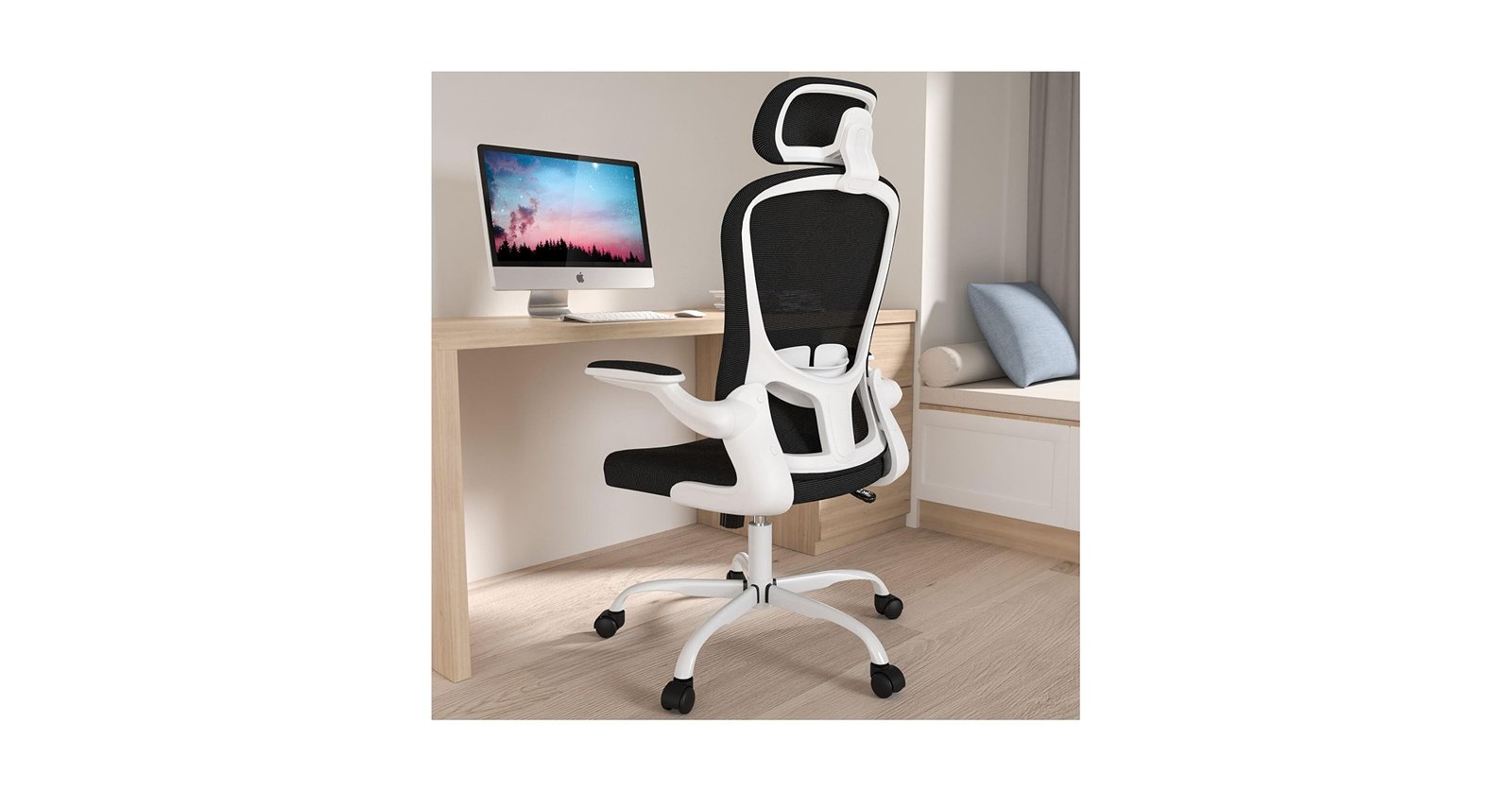
What lumbar support is supposed to do
When you sit, your lower back curves gently inward. A chair with good lumbar support fills the space between the backrest and that curve so your lower back is not left unsupported while you work. When the support sits too high, it presses into the middle of your back. When it sits too low, it pushes against your hips and feels like it is shoving you forward. When the depth is wrong, you either feel nothing at all or feel a hard lump that you want to lean away from.
That is why adjustability matters more than the marketing name on the box. Two people of different heights can sit in the same chair and have completely different experiences, because the support lands in a different place on each of their backs. If you are shopping for a chair, our ergonomic office chair buying guide covers the other adjustments to check alongside lumbar support, from seat height to armrests.
Fixed lumbar support built into the backrest
Fixed lumbar support is a curve molded or padded into the backrest itself. It does not move. Many mesh chairs and upholstered task chairs use this design, and it keeps the chair simpler and usually cheaper.
Fixed support works best when the curve happens to match your back. The way to check is to sit in the chair the way you actually work, with your feet flat and your back against the backrest, and notice where the firmest part of the lower backrest meets your back. It should sit at about belt level, in the small of your back, and feel like gentle contact rather than pressure. If you have to perch forward or slide down to feel it, the curve is in the wrong place for you and no adjustment will fix it.
This type is a reasonable pick if you are buying for one person, you have tried the chair or a very similar model, and you sit for moderate stretches with regular breaks. It is a poor pick for a shared chair, since a curve that suits one person rarely suits the next, and for anyone who is much taller or shorter than average, since fixed curves are shaped around the middle of the height range.
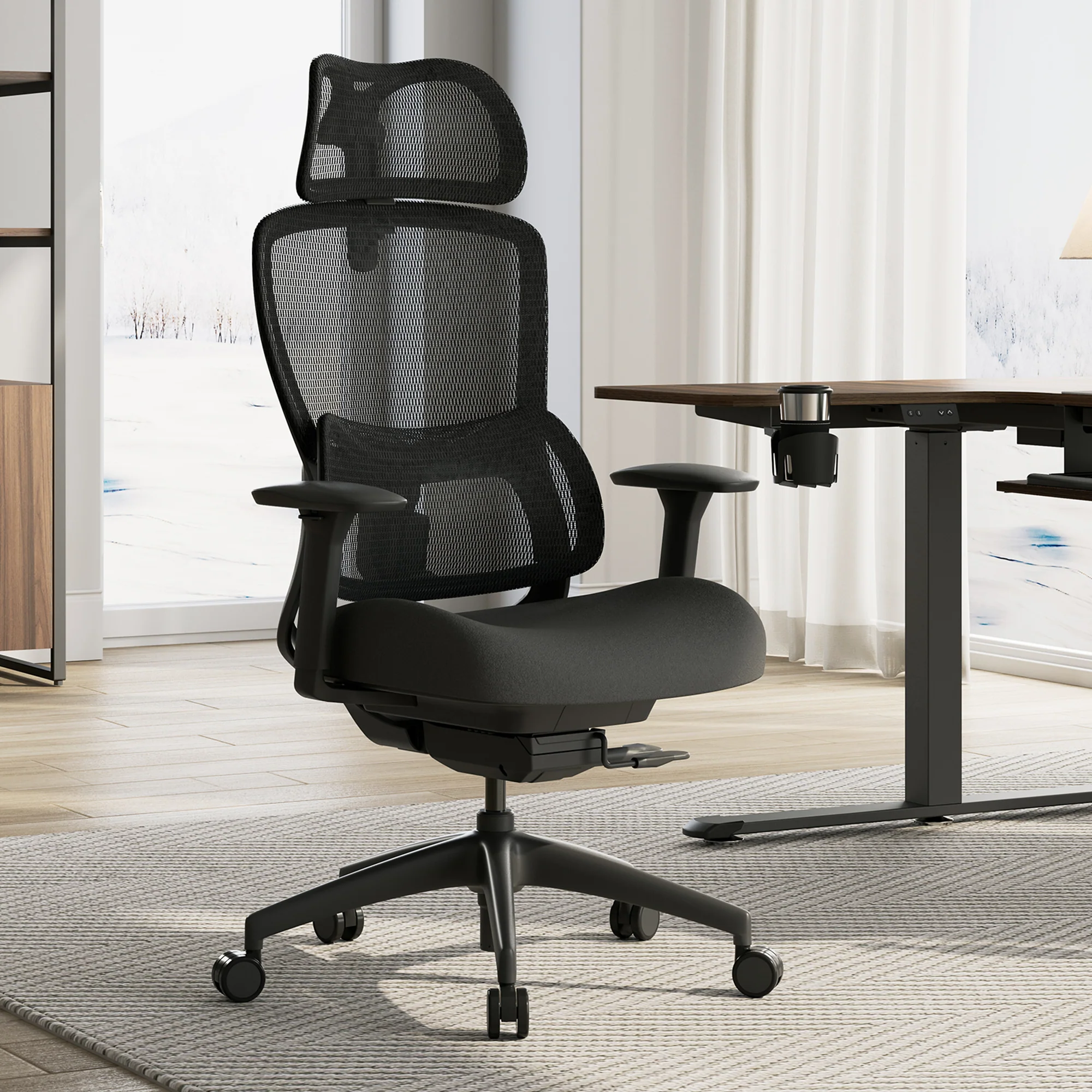
Height-adjustable lumbar support
Height-adjustable support is usually a pad or a shaped section on the backrest that slides up and down, either on a track or with a simple hand adjustment. Some chairs pair this with a knob that changes how far the pad pushes out. This is the most common adjustable design on mid-range ergonomic chairs, and it is the one worth prioritizing if you cannot try the chair in person.
To set it, sit fully back in the chair and slide the pad until its center lines up with the inward curve of your lower back. Then adjust the depth so you can feel steady contact without the pad pushing you out of the seat. A useful test is to sit and type for a few minutes: you should forget the pad is there. If you keep noticing it, the height or depth is still off.
Height adjustment also makes a chair easier to share. Each person can slide the pad to their own level in seconds, which is one reason this design shows up on chairs bought for households and shared workspaces. When you compare models, check how the adjustment is made. A pad that moves with a simple lever or a smooth slide is one you will actually adjust. A pad that needs tools or a stiff two-handed pull tends to stay wherever it was set on day one.
An ergonomic office chair with adjustable lumbar support is the straightforward route if your current chair has no usable lumbar support at all. Check price on Amazon.
Dynamic and tension-based lumbar support
A smaller group of chairs uses a flexible panel, a tensioned mesh section, or a spring-loaded pad that shifts as you move. Instead of locking into one position, the support follows your back when you lean, recline, or shift sideways. Some designs use a lumbar bar that flexes with pressure. Others use mesh that is woven tighter across the lower section so the backrest itself gives more support there.
The appeal is that you adjust it less. The trade-off is that you control it less. If the built-in tension suits your weight and posture, it can feel natural across a long day. If it does not, there may be no knob to turn. This type is worth considering if you change position often, recline while reading, or dislike fiddling with adjustments. It is harder to judge without sitting in the chair, so a clear return policy matters more here than with a simple sliding pad.
Add-on lumbar cushions and back supports
Add-on support is a separate cushion or insert that straps or rests against a chair you already own. Memory foam cushions mold to the lower back and are the most common style. Mesh inserts strap to the backrest and add a curved surface without much padding. Some strap-on supports use a split or dual-pad design that leaves a gap down the middle.
Add-ons make sense in a few clear cases: your current chair is otherwise comfortable, you want to improve a chair at work that you cannot replace, or you are not sure what shape suits you and want a cheap way to find out before spending more. A cushion is also portable, so it can move between a desk chair, a car seat, and a dining chair used as a backup workstation.
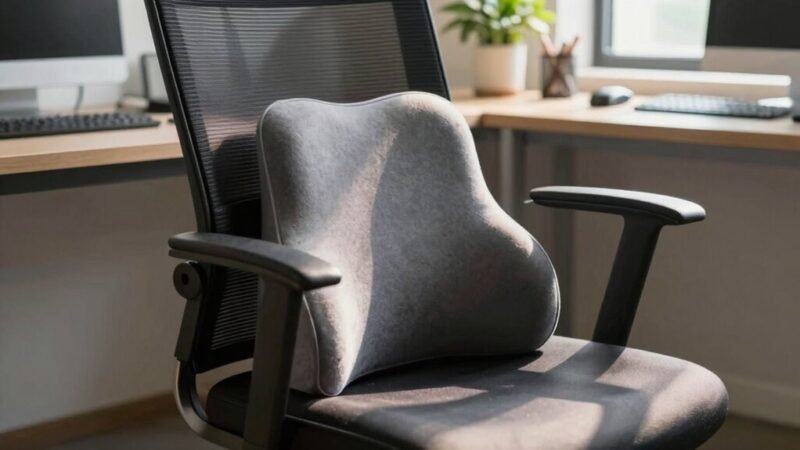
The limits are real. A cushion adds thickness behind you, which pushes you slightly forward on the seat. On a chair with a short seat, that can leave your thighs less supported. Straps can slip, especially on smooth leather or vinyl backrests, and a cushion that keeps sliding down will end up supporting nothing. If your chair back is very tall and flat, a cushion may also sit too far from your back to do much unless it is thick enough to bridge the gap.
When shopping for one, look at the shape before the brand. A cushion with a gentle, wide curve suits most people better than a narrow, aggressive roll. Check the strap design if your chair back is smooth, and check the thickness against your seat depth. A memory foam lumbar support pillow is a low-cost first step if your chair is fine except for the missing lower back contact. Check price on Amazon.
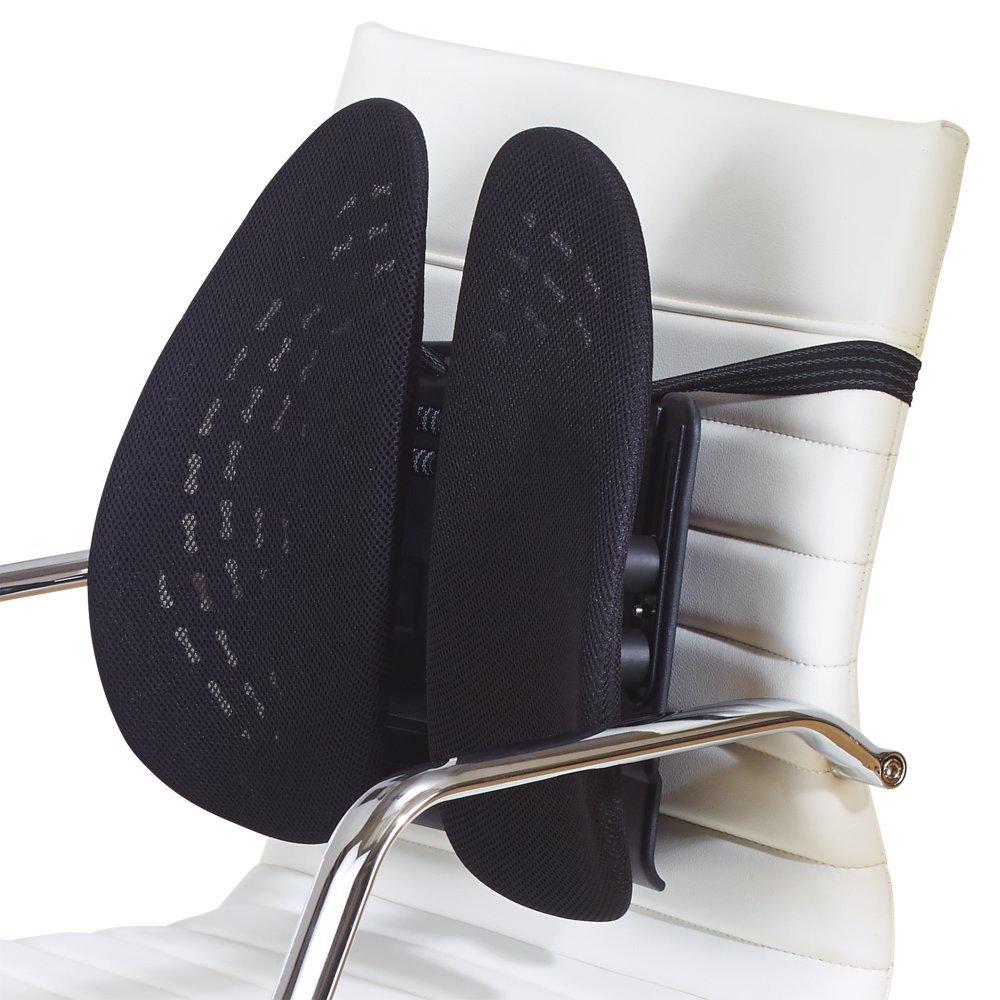
A strap-on mesh insert is the other common add-on. It adds a curved surface with airflow, which suits warm rooms and mesh chairs better than a thick foam cushion. The version pictured here uses two pads with a gap between them, a shape some people prefer because it avoids pressure down the center of the back. A mesh lumbar back support is worth a look if you want the support without the extra warmth of foam. Check price on Amazon.
Comparison: which lumbar support type fits which situation
| Type | Best for | Watch out for |
|---|---|---|
| Fixed built-in curve | One user, moderate sitting, lower budget | Cannot adjust if the curve lands in the wrong spot |
| Height-adjustable pad | Shared chairs, taller or shorter users, buying sight unseen | Stiff or tool-based adjustment that never gets used |
| Dynamic or tension-based | People who shift and recline often | Less control if the built-in feel does not suit you |
| Add-on cushion or insert | Improving a chair you already own, trying a shape cheaply | Slipping straps, extra thickness pushing you forward |
How to test lumbar support before you commit
Whether you are testing a chair or a cushion, use the same quick check. Sit the way you work, feet flat, back fully against the backrest. The support should meet the inward curve of your lower back, around belt level, with steady, even contact. Type or read for several minutes. If you keep shifting, leaning forward, or noticing a hard spot, the fit is wrong even if the product looked right on paper.
Also check the rest of the setup, since lumbar support does not work alone. If your desk is too high, you will hunch forward and no backrest curve can compensate. Our guide to ideal desk height setup walks through matching chair height, desk height, and monitor position. If your screen sits too low, you will crane forward in the same way, so a monitor arm buying guide is worth reading alongside this one when the whole workstation needs attention.
When a cushion is enough and when to buy a new chair
Start with a cushion if your chair is structurally sound, the seat and armrests fit you, and the only problem is the missing lower back contact. A cushion costs little, and if it works you have solved the problem without replacing a chair that is otherwise fine.
Move to a new chair if the seat is too deep or too shallow for your legs, the backrest is too short to reach your lower back at all, the chair wobbles or sinks, or you have already tried an add-on and it kept slipping or pushing you forward. In that case, prioritize a height-adjustable lumbar pad on the new chair, since it gives you the best chance of a good fit without needing to sit in the chair first. If you are also weighing a bigger workstation change, our comparison of desk converters vs full standing desks covers the other half of the sitting equation: how often you get out of the chair entirely.
The short version
Fixed lumbar support is fine when the curve matches your back and you are the only user. A height-adjustable pad is the safest choice for shared chairs and for buying without a test sit. Dynamic designs suit people who move a lot, but they are harder to judge in advance. Add-on cushions and mesh inserts are a cheap, sensible first step for a chair that is otherwise good. Whichever route you take, judge it by the same test: sit the way you work, and check that the support meets the curve of your lower back without pushing, prodding, or disappearing after five minutes.