
As an Amazon Associate, Ergoluma earns from qualifying purchases. We compare products on published manufacturer specifications, not marketing claims.
A monitor arm is one of the cheapest upgrades in a home office, and one of the easiest to buy wrong. Most arms look identical in product photos: a pole, two joints, a VESA plate. The differences that decide whether yours holds steady or slowly droops are the mount type, the adjustment mechanism, and the weight rating. Get those three right and the rest is detail.
This guide covers what to check before you buy, with real models as reference points: the Ergotron LX and Amazon Basics Premium Single Monitor Arm for single displays, and the HUANUO Dual Monitor Mount and VIVO Single Monitor Desk Mount for budget and dual setups. If you are setting up the desk itself at the same time, our standing desk buying guide covers frame and top choices first.

Mount types: what your desk allows
Desk clamp. A C-clamp grips the back edge of the desktop. It needs an exposed edge with a few inches of clearance underneath and a top within the clamp’s stated thickness range. Most desks qualify. Particle-board tops thinner than the minimum can flex under a heavy monitor, so check both numbers before ordering.
Grommet mount. The arm bolts through a cable hole in the desktop. It is the most rigid option and it frees the back edge, but it needs a hole, usually 2 to 3 inches wide, or a willingness to drill one. Many arms ship with both clamp and grommet hardware in the box.
Wall mount. The arm bolts to a wall plate instead of the desk. It frees the entire desktop and works with any desk, but it needs a stud or solid masonry: drywall anchors alone will not hold a monitor arm long term. Renters should check their lease before drilling.
Gas spring, mechanical spring, or fixed post
This is the mechanism inside the arm, and it decides how the monitor moves day to day.
Gas spring arms use a pneumatic cylinder, like an office chair, to counterbalance the monitor’s weight. You can push the screen up, down, forward, or back with one hand, and it stays where you leave it. They cost more and they need the monitor’s weight to fall inside their stated range: too light and the arm floats upward, too heavy and it sinks.
Mechanical spring arms use a tension spring you set once with an Allen key. They hold position well but repositioning takes two hands and some effort. They are cheaper than gas spring arms and fine if you set the height once and rarely move it.
Fixed post stands are a vertical pole with a tilt head. Height adjusts only by sliding the bracket and tightening it. They are the cheapest option and perfectly adequate for a monitor that never moves, but they are not really arms.
If you switch between sitting and standing during the day, a gas spring arm earns its price: you will move the monitor every time you change desk height. Our ideal desk height setup guide explains the sitting and standing positions worth matching.

Weight capacity and VESA: the two numbers that decide fit
Every arm lists a weight range per monitor and a VESA pattern. Both have to match your display.
VESA patterns are the four-hole mounting standard on the back of the monitor: 75x75mm and 100x100mm cover nearly all desktop displays. Check your monitor’s manual or the manufacturer’s spec page. A small number of monitors, mostly older Apple displays and some ultra-thin models, need an adapter.
Weight is where people go wrong. Weigh the monitor with nothing attached, then pick an arm whose stated range covers that weight with room to spare. Running at the very top of an arm’s range shortens the life of the spring and makes adjustment stiff. For gas spring arms specifically, landing near the middle of the range gives the smoothest movement.
Ergotron LX Desk Monitor Arm. Ergotron’s published specs rate the LX for monitors up to 34 inches, 7 to 25 pounds, with 75×75 and 100×100 VESA patterns. That 25-pound ceiling covers most 27-inch displays and many 32-inch models, but check heavy 32-inch and 34-inch ultrawide displays against it: some exceed 25 pounds with their stands removed.
Amazon Basics Premium Single Monitor Arm. Amazon’s house-brand arm shares its design with the Ergotron LX and carries the same class of weight rating at a lower price. If the LX fits your monitor, this one does too, and the savings are real.
Single arms vs dual arms
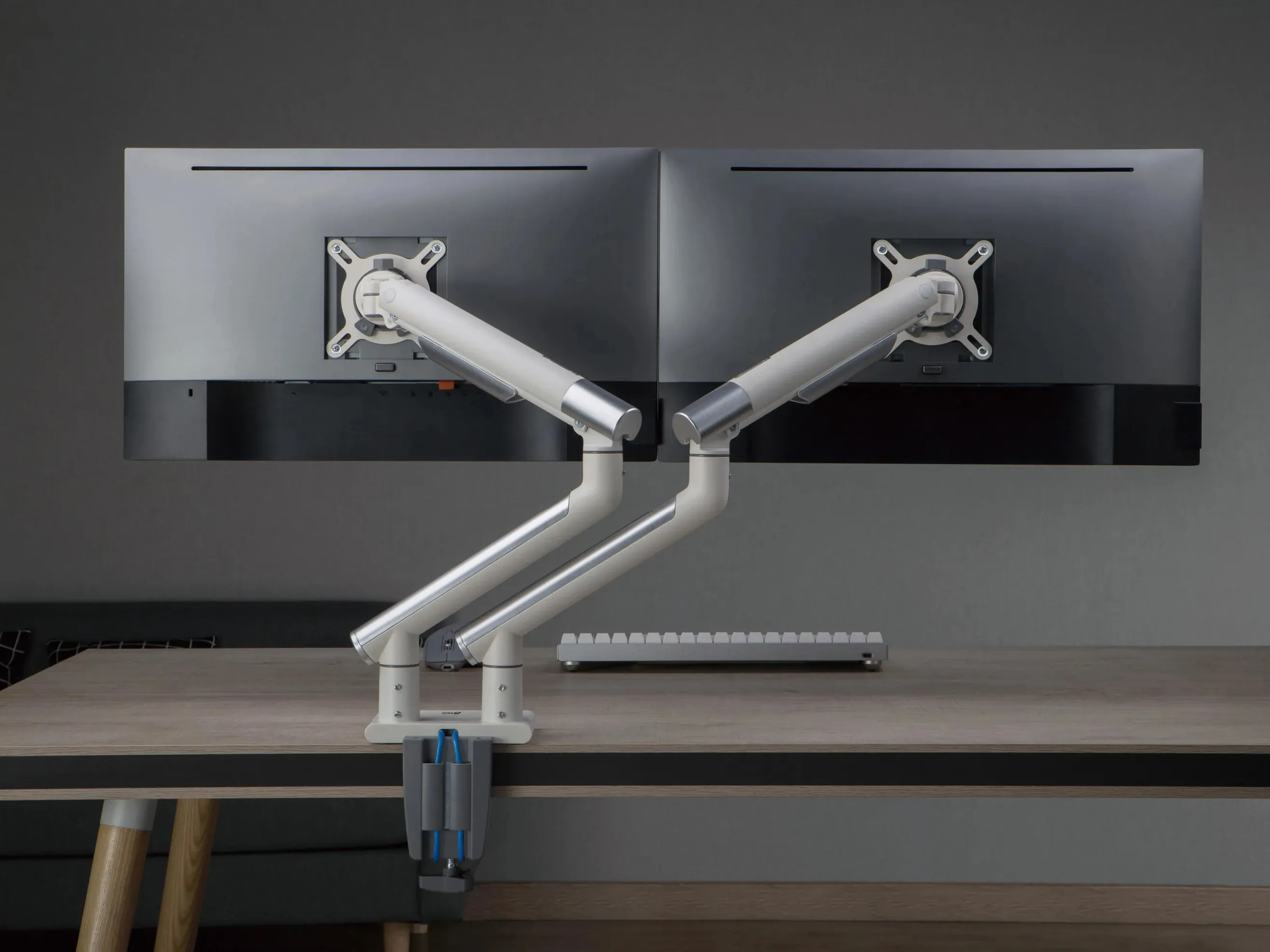
A dual arm holds two monitors on one mount, usually on a crossbar or two articulated arms sharing a pole. It costs less than two single arms and keeps the desk footprint small. The trade is flexibility: the monitors move as a pair on most crossbar designs, so angling one screen toward you and the other away is limited.
HUANUO Dual Monitor Mount. HUANUO’s published specs rate it for two monitors up to 32 inches. It is a crossbar-style mount: solid for a matched pair of displays at a fixed angle, less suited to mismatched sizes.
VIVO Single Monitor Desk Mount (STAND-V001). VIVO’s published specs list support for 13 to 32 inch monitors on a desk clamp with an articulated arm. Two of these cost more than one dual bar but let you position each screen independently, which matters if the monitors differ in size or if one rotates to portrait.
A practical rule: matched pair, fixed positions, tight budget means a dual bar. Mismatched monitors, or one screen in portrait for documents, means two single arms.
Small details that matter daily
Cable management. Look for removable clips or a channel along the arm. Cables zip-tied to a moving arm either restrict movement or get yanked; clips that open let you reroute later.
Portrait rotation. Most VESA heads rotate 90 degrees, but check that the arm’s joints allow the rotated screen to clear the desk. A 27-inch monitor in portrait needs roughly 24 inches of vertical clearance.
Quick-release VESA plate. A plate that slides off the arm head lets you attach the monitor on the desk, then hang the whole assembly. Without it, you hold the monitor with one hand and drive screws with the other.
Side-by-side on published specs
| Arm | Mount | Adjustment | Monitor fit | Check price |
|---|---|---|---|---|
| Ergotron LX | Clamp or grommet | Gas spring | Up to 34 in, 7-25 lb | Check price on Amazon |
| Amazon Basics Premium Single | Clamp or grommet | Gas spring | LX-class rating | Check price on Amazon |
| HUANUO Dual Monitor Mount | Clamp or grommet | Articulated, per-arm tilt | Two monitors up to 32 in | Check price on Amazon |
| VIVO STAND-V001 | Desk clamp | Articulated arm | 13-32 in single | Check price on Amazon |
What to buy for common setups
One 27-inch monitor. A single gas spring arm is the sweet spot: one-hand height changes, clean cable routing, and a weight rating with headroom. The Ergotron LX or its Amazon Basics counterpart both qualify.
Two matched 24-inch monitors. A dual crossbar mount like the HUANUO keeps cost and desk footprint down, and matched screens sidestep the flexibility trade.
One 34-inch ultrawide. Weigh it first. Ultrawides in this size often land between 20 and 25 pounds, which puts them at the top of mid-range arms. A gas spring arm rated to at least 25 pounds, with the monitor near the middle of that range after you confirm the real weight, is the safe choice. When in doubt, size up the arm rather than the monitor.
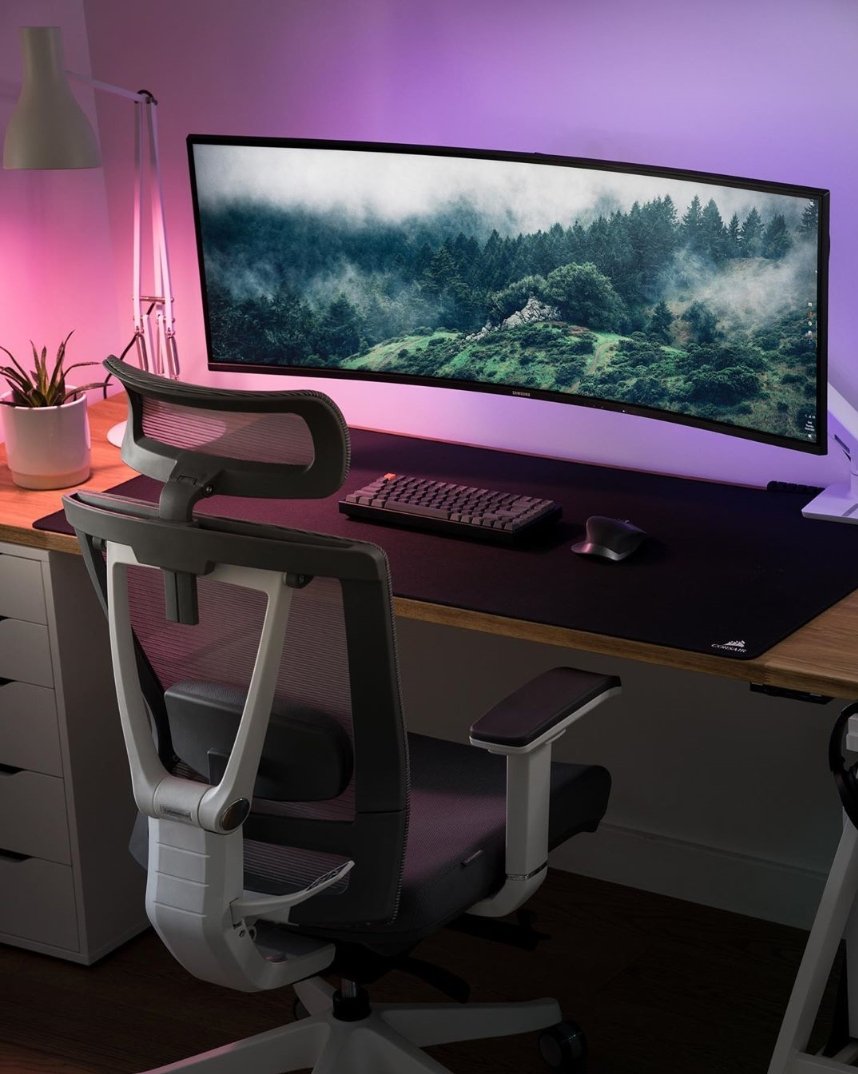
Whichever arm you choose, set the screen so the top bezel sits at or just below eye level. That single adjustment does more for neck comfort than the arm’s price tag, and our ergonomic office chair buying guide covers the seating half of the same posture equation.