
As an Amazon Associate, Ergoluma earns from qualifying purchases. Our guides are built from manufacturer-published specifications — we compare the spec sheets so you don’t have to.

Most standing desk shopping advice starts with the desktop — the wood finish, the size, the cable grommets. That’s backwards. The desktop is a slab. The frame is the machine, and it’s where almost every meaningful difference between a $400 desk and a $900 desk lives. Once you know how to read a frame’s spec sheet, the rest of the decision gets much simpler.
Two legs or four? Start with the frame type
Nearly every home-office standing desk uses a two-leg frame: one lifting column in each leg, joined by a crossbar. Two-leg frames from the major brands lift between 220 and 440 pounds, which covers a desktop plus two monitors, a PC, and then some. They’re also the only frames that fit sensibly in a normal room.
Four-leg frames exist for a reason — heavy, wide workstations. FlexiSpot’s E7 Plus Max, for example, is a four-leg frame rated to 660 pounds. Uplift’s V2 Commercial 4-leg is rated around 535 pounds. Unless you’re loading a desk with multiple large monitors, a full PC tower, and studio equipment, a four-leg frame is more desk than a home office needs. The trade-off is footprint and price, not just capacity.
You’ll also see T-frame and C-frame mentioned. That describes the shape of the feet: a T-frame’s feet are centered under the desktop, while a C-frame’s feet extend toward the user. C-frames (like the FlexiSpot E7‘s) give you a little more knee clearance and feel slightly steadier front-to-back. It’s a real but minor difference — don’t pay a premium for the letter alone.
Lifting capacity: read the fine print
The capacity number on the box — say, 355 pounds — includes the desktop itself. A 60×30-inch laminate top weighs roughly 50–60 pounds; a solid wood top can weigh 80 or more. So a 355-pound rating really means about 295–305 pounds of gear.
For most setups that’s plenty. Two 27-inch monitors on arms (~25 pounds total), a laptop or small PC (~10 pounds), and desk accessories (~15 pounds) barely crack 60 pounds of load. You run into capacity limits with triple-monitor arrays, full-tower PCs sitting on the desk, or heavy audio gear. If that’s you, the step up to a 440-pound frame (like the FlexiSpot E7 Pro) is worth it — not for daily lifting, but because a motor working far below its ceiling runs quieter and lasts longer.
Height range: make sure it fits you sitting and standing
This is the spec people skip, and it’s the one most likely to cause regret. A frame’s height range is usually quoted without the desktop, so add your desktop thickness (typically about 1 inch) to get the real numbers.
Two numbers matter:
- The low end. If you’re on the shorter side, check this first. The FlexiSpot E7’s frame drops to 22.8 inches (about 23.8 inches with a desktop), which suits sitters from roughly 4’8″ up. The standard Uplift V2 frame bottoms out at 24.3 inches (about 25.3 inches with a desktop) — fine for most adults, but Uplift sells a Commercial frame that drops to 21.6 inches for shorter users.
- The high end. If you’re over 6’2″, make sure the desk reaches your standing elbow height — typically 44 inches and up. Both the Uplift V2 (50.9 inches with desktop) and the FlexiSpot E7 (48.4 inches) clear that bar comfortably.
Our desk height setup guide walks through how to find your own sitting and standing numbers before you buy.
Two specs people overlook: leg stages and anti-collision
Leg stages are the telescoping sections inside each lifting column. Two-stage legs have two segments; three-stage legs have three. Three-stage legs (standard on both the Uplift V2 and FlexiSpot E7) compress shorter and extend taller than two-stage legs at a similar price — that’s how the E7 gets down to 22.8 inches. They also tend to move a bit more smoothly, since each stage travels less.
Anti-collision is the sensor system that stops the desk if it hits something on the way down — a chair arm, a filing cabinet, a child’s toy. Uplift uses a gyroscope-based system; FlexiSpot uses a current-sensing system. Both work. What matters is that the desk has one; the cheapest no-name frames sometimes don’t.
Two frames worth knowing
Rather than rank a dozen desks, here are the two frames that define the mainstream, with their published specs:
Uplift V2
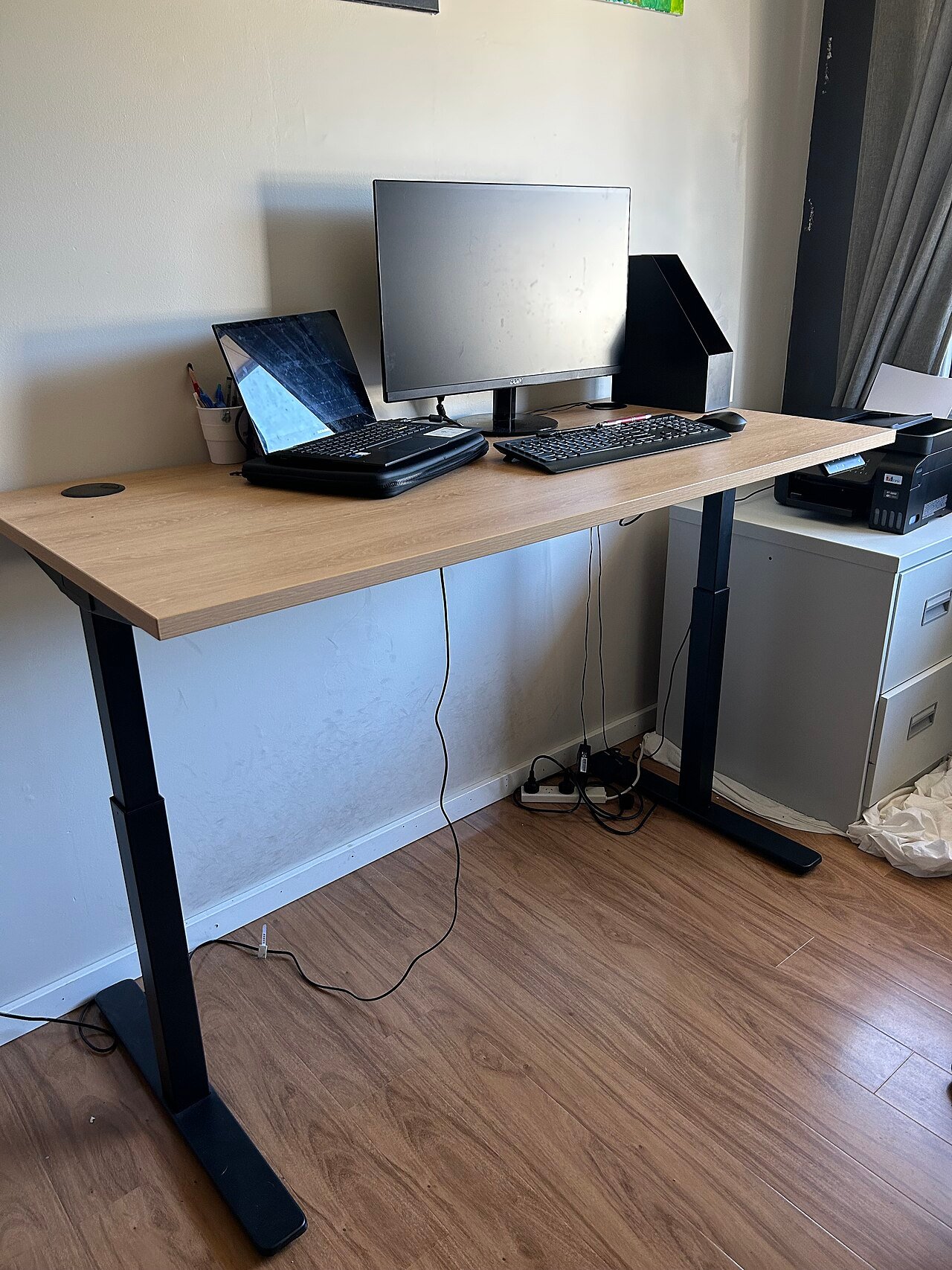
- Lifting capacity: 355 pounds (including desktop)
- Height range: 25.3″–50.9″ with a 1″ desktop (frame: 24.3″–49.9″)
- Motors: dual, one per leg; travel speed 1.57″/second
- Warranty: 15 years
- Certification: ANSI/BIFMA X5.5-2021 compliant
- Memory presets: 4, on the advanced keypad
The V2 is the reference design other frames get compared against — dual motors, 48 accessory mounting points in the frame, and a 15-year warranty. Uplift also sells a Commercial variant with a lower minimum height (22.6″ with desktop) and a 4-leg version rated around 535 pounds.
FlexiSpot E7
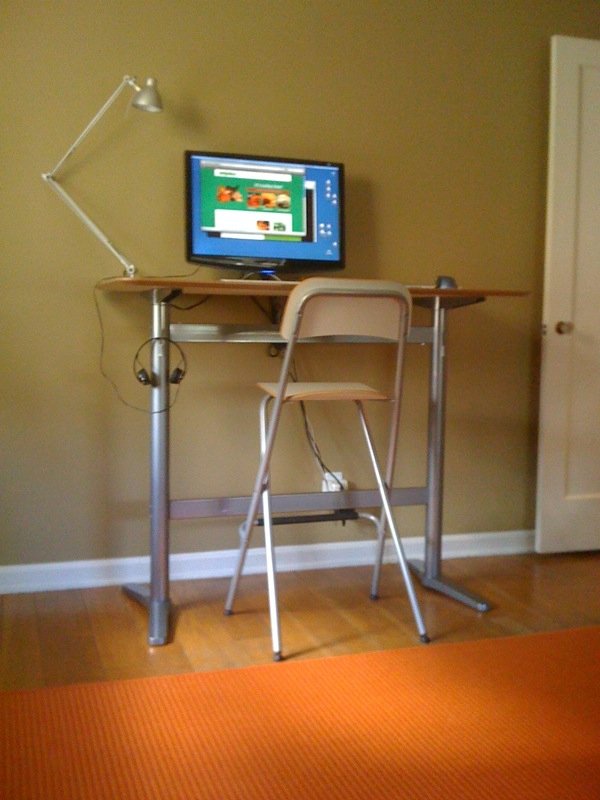
- Lifting capacity: 355 pounds (including desktop)
- Height range: 24.4″–48.4″ with desktop (frame: 22.8″–48.4″)
- Motors: dual; 3-stage lifting columns, C-frame feet
- Warranty: 15 years (US)
- Anti-collision: sensor-based, with adjustable sensitivity
The E7’s headline advantage is its low minimum height — 22.8 inches at the frame, the lowest in its class — which makes it the safer pick for shorter users. If you need more capacity, the E7 Pro steps up to 440 pounds on the same C-frame design, and the 4-leg E7 Plus Max reaches 660 pounds.
Quick checklist before you buy

- Measure your sitting elbow height and confirm the frame’s minimum (plus desktop thickness) goes at least an inch below it.
- Measure your standing elbow height and confirm the maximum clears it.
- Add up your gear weight, add the desktop weight, and keep the total under 80% of the rated capacity.
- Check the warranty length — 15 years is the current standard for quality frames; 5 years or less is a warning sign.
- Confirm anti-collision is included, especially if the desk will live near kids, pets, or low furniture.
A desk is only half the workstation. Pair it with a chair that actually fits you — our ergonomic chair buying guide covers the adjustments that matter — and set both to the right heights with our desk height setup guide.
3 thoughts on “Standing Desk Buying Guide: What the Specs Actually Tell You”
Comments are closed.